Area of Study: Creating
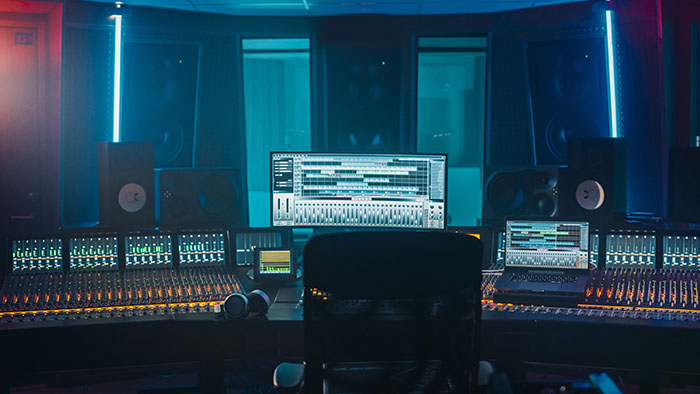
Gorodenkoff / Shutterstock.com In this Area of Study, you will develop a folio of creative responses that reflect your understanding of the concepts covered in the 'Analysing and responding' Area of Study. We will look at methods of recording your creations using Digital Audio Workstations (DAWs). The DAW you choose to use is up to you. Here are some popular DAWs that are supported by VSV: Audacity
Sibelius
MuseScore
In some cases, simply using an app on your phone, tablet or laptop will suffice. At VSV we do not stipulate the use of any specific DAW or score-creation software. Occasionally, DAWs will be used to demonstrate recording techniques and content manipulation. None of the concepts covered will be unique to any one software and all can easily be replicated using any DAW. For score-creation demonstrations, we will be using Sibelius by Avid Technology. If your school has a music department, then you probably already have access to Sibelius Ultimate. If not, you can obtain a free copy of Sibelius First by visiting Avid's website, where you will need to create an Avid Master account. Use the link below to launch Sibelius for the first time. Try to get your head around DAWs this week and begin familiarising yourself with your chosen DAW. Learning a new software can take time, so it's a good idea to get started early. Note: all composition tasks this semester can be completed using MuseScore alone. Get in touch with your teacher immediately if you are struggling with your choice of DAW. |